
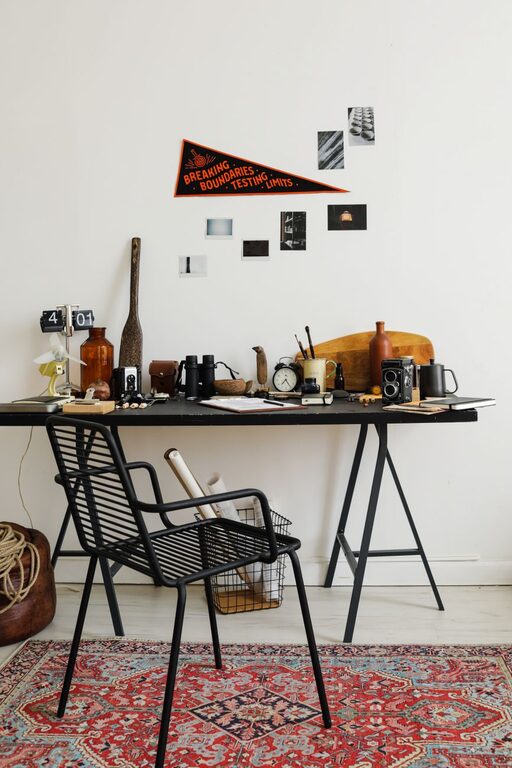
Creating an inviting and organized workspace doesn’t have to take hours. Sometimes, all it takes is a quick ten-minute refresh to make a big difference in how you feel and work. Whether you’re at home or in an office, refreshing your workspace can help reduce stress, improve focus, and increase motivation. This guide walks you through easy, practical steps to revitalize your work area quickly and effectively.
Why Refresh Your Workspace?
Before diving into the how, it’s helpful to understand the why. A cluttered or uninspiring workspace can impact your ability to concentrate and be productive. On the other hand, a tidy and pleasant environment supports creativity and efficiency. A ten-minute refresh is a simple habit that can maintain a positive workspace without overwhelming your schedule.
Step 1: Clear the Surface
Start by removing everything from your desk or main work area. This includes papers, pens, gadgets, and any miscellaneous items.
– Put away items that don’t belong on your desk.
– Sort through any papers and file them, recycle what you don’t need.
– Wipe down the desktop with a damp cloth to remove dust and smudges.
A clean surface instantly gives you a fresh starting point.
Step 2: Organize Essentials
Once the space is clear, bring back only the items you use regularly.
– Keep your computer, keyboard, and mouse in place.
– Place pens, notepads, and other tools within arm’s reach.
– Use desk organizers or small containers to group similar items.
Having a designated spot for each essential item helps keep clutter from creeping back.
Step 3: Add a Touch of Greenery
A small plant can brighten your workspace and add life.
– Choose low-maintenance options like succulents, snake plants, or pothos.
– Position the plant where it can receive natural light.
Plants can improve air quality and create a calming atmosphere.
Step 4: Adjust Your Lighting
Good lighting is key for comfort and productivity.
– Open blinds or curtains to let in natural light.
– Position your desk lamp to reduce glare on screens.
– If your space is dim, use warm LED bulbs to create a cozy feel.
Proper lighting reduces eye strain and keeps you energized.
Step 5: Personalize Thoughtfully
Add a few personal touches that inspire you but don’t cause distraction.
– Display a favorite photo or artwork.
– Place a motivational quote where you can see it.
– Use a colorful mousepad or desk mat for a pop of color.
Personalization makes your workspace feel welcoming and uniquely yours.
Step 6: Manage Cables and Electronics
Tangled cables can clutter the area and cause frustration.
– Use cable ties or clips to bundle cords neatly.
– Hide excess cables behind or under the desk.
– Make sure chargers and devices are plugged in safely.
Organized cables keep your workspace clean and functional.
Step 7: Refresh the Air
A quick freshening of the air can enhance your environment.
– Open a window for a few minutes if possible.
– Use a subtle air freshener or essential oil diffuser.
– Keep a small fan nearby for circulation if needed.
Good air quality supports alertness and well-being.
Bonus Tips for Maintaining Your Refreshed Workspace
– Set a weekly reminder to spend ten minutes tidying up.
– Limit desktop items to only what’s necessary.
– Create a filing system for papers to prevent pile-ups.
– Take a moment to stretch and reset your posture at your desk.
By incorporating these habits, your workspace will stay fresh and inviting over time.
—
In just ten minutes, you can completely transform your workstation into a more organized, pleasant, and productive place. Use these easy steps to create a workspace that supports your best work every day. Remember, small changes made consistently lead to big results!